Connect your existing cameras and POS system. See conversion rates, visitor trends, and every store — in one dashboard. Try it with your stores.
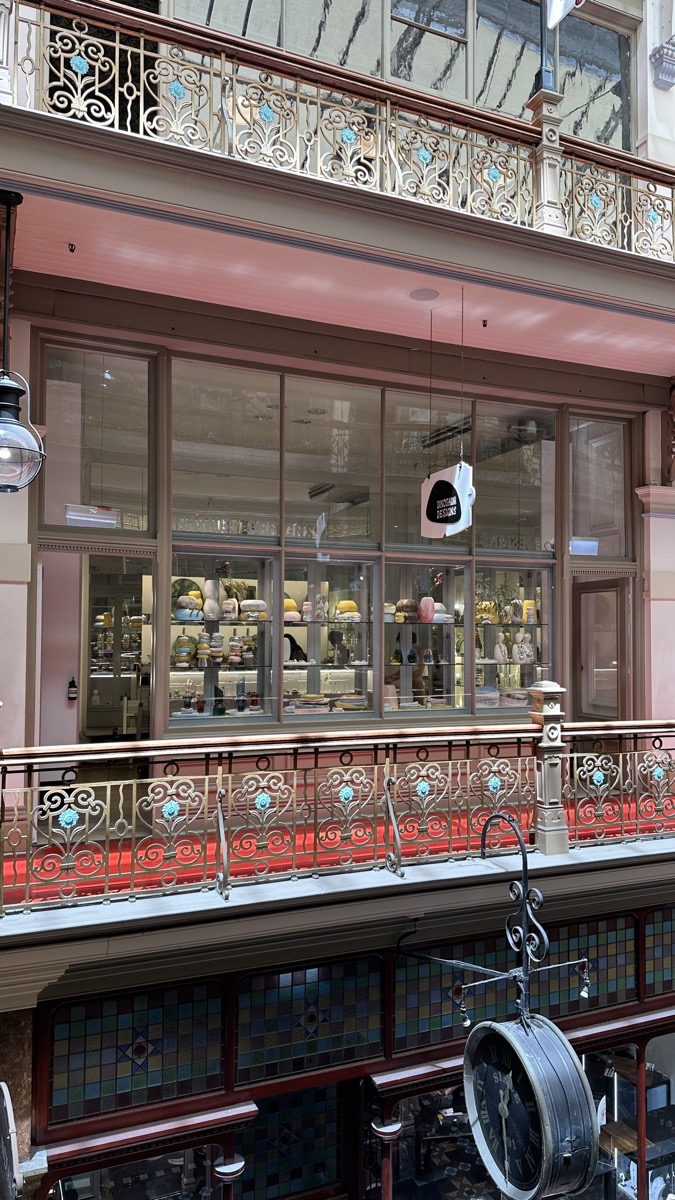
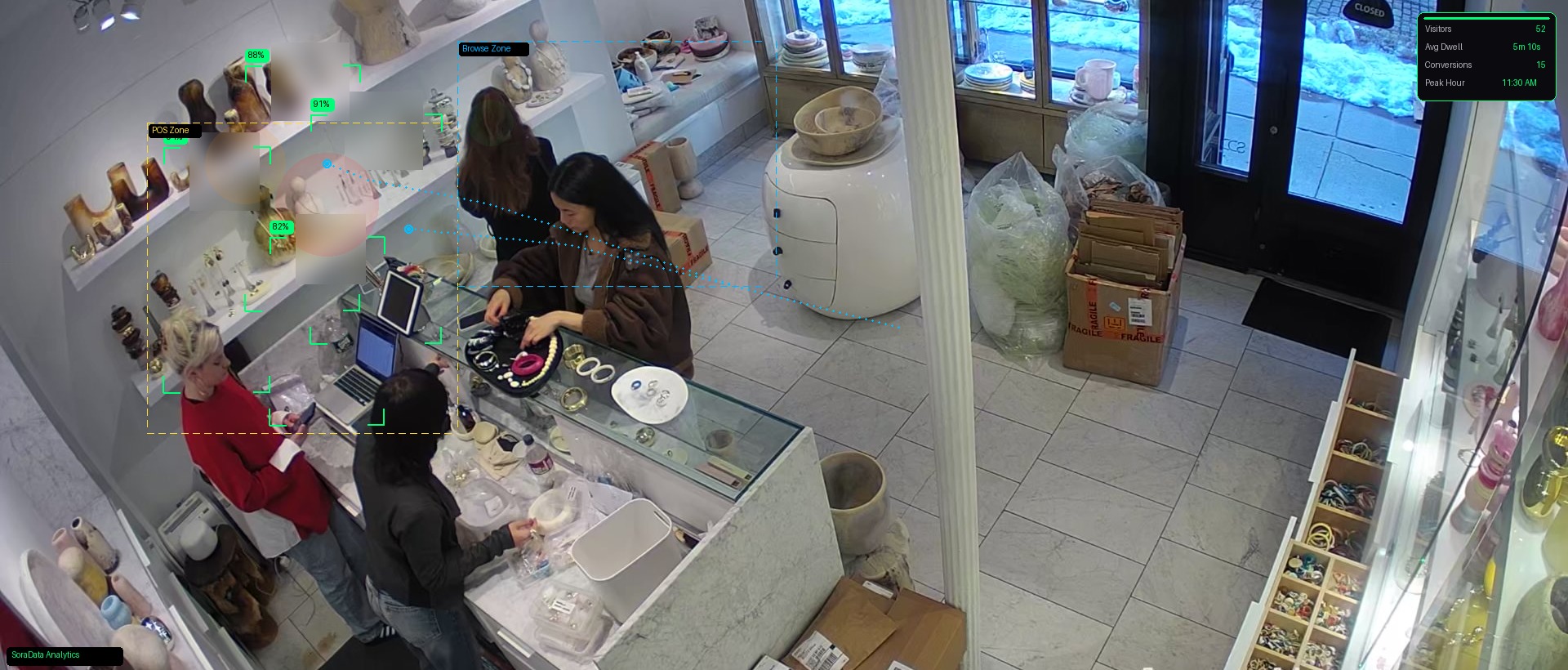
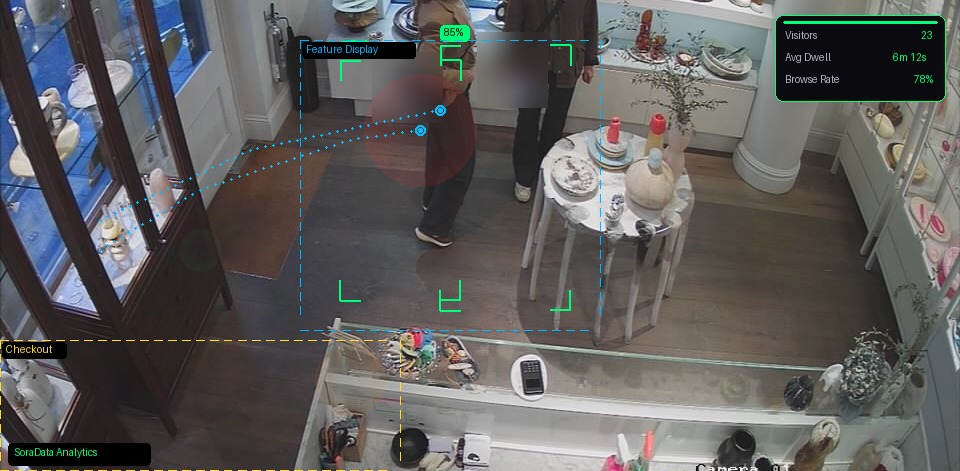
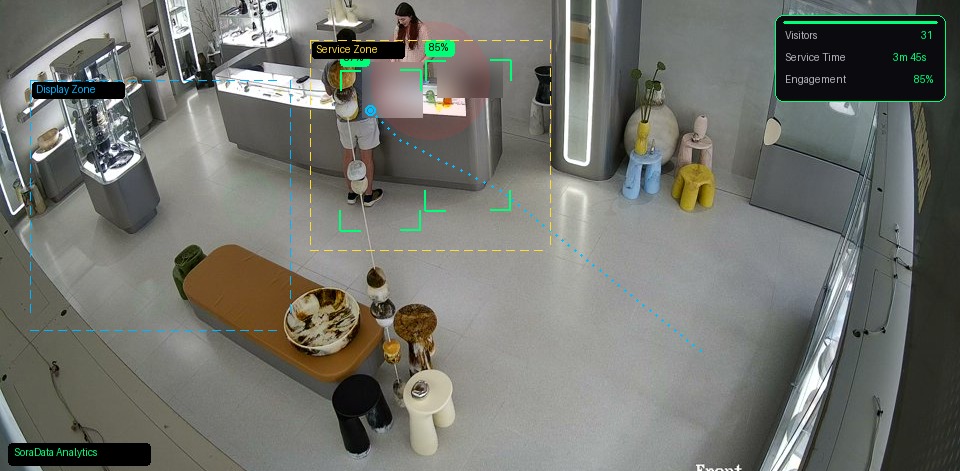
A preview of how store analytics can look. These are example views — not live camera feeds.
Your cameras are already watching. SoraData makes them count.
See exactly how many visitors enter each store and what percentage convert to sales. No guesswork, no manual counting.
Live camera feeds, visitor counts, conversion rates, and alerts across all your locations. Check any store from your phone in seconds.
Match staffing to traffic patterns. Spot underperforming stores. Know which promotions actually drive sales — not just foot traffic.
Imagine a busy city store. About 40% of the day's visitors arrive between 12 and 2pm, but only one person is rostered. Queues form, people browse and leave, and conversion suffers. The cameras already see that rush. The gap is matching staff to traffic.
That is the point of SoraData: see when people actually walk in, then roster to match — not to a guess. This is an illustration of the problem, not a customer case study, and not a published result. The photos are atmosphere.
No hardware costs. No lock-in contracts. Prices in A$ (AUD). Request a trial, upgrade anytime.
Already on a trial? Upgrade to Starter or Pro →
Powerful retail analytics layered onto your existing infrastructure.
Accurate foot traffic counts from your existing cameras. AI-powered people counting — no dedicated sensors needed.
See how many visitors actually buy. Connect foot traffic to POS sales for your true conversion rate, by store and by hour.
All your locations in one view. Compare performance, spot outliers, and manage your entire retail network at a glance.
Hourly, daily, and weekly traffic patterns. Know your peak hours, quiet periods, and how trends shift over time.
Quick visual check of any store, anytime. See what's happening on the floor without digging through NVR footage.
Know exactly when staff open up and close down. Get notified of late openings so you never miss trading hours.
Match staffing levels to traffic patterns. See when you're over-staffed, under-staffed, or perfectly dialled in.
Motion alerts when your store should be empty. Peace of mind without a separate security monitoring contract.
See where customers spend time in your store. Optimise layouts, displays, and product placement.
Coming SoonIf you increase conversion from 9.4% to 11%, that's 8 more sales per day — with the same foot traffic.
Most retailers count visitors OR track sales. SoraData connects both — so you can measure what really drives revenue: your conversion rate.
A 1-2% improvement in conversion can mean thousands of dollars in extra revenue per month — without spending a cent on marketing.
No. SoraData works with your existing IP camera system — Hikvision, Dahua, Axis, Hanwha, Bosch, Uniview, and most ONVIF-compatible cameras. If you have cameras already, you're good to go.
Our AI analyses your existing camera feeds to detect and count people. It works with standard overhead or angled camera positions — no special hardware or sensor bars required.
Most customers are up and running in under 20 minutes. You enter your camera system credentials and connect your POS with a one-click integration. No site visits, no technicians.
We process video feeds for analytics only. We don't store raw footage — analytics data (counts, timestamps, alerts) is stored securely in the cloud. Your video stays on your NVR.
We currently integrate with Shopify, Square, Lightspeed, Vend, Hike POS, Tyro, Xero, MYOB, Kounta, and Retail Express. More integrations are added regularly. Need something else? Contact us.
Yes. Request a 14-day trial through the form on this page. No credit card. You get an email to sign in with Google (same work email), finish a short camera setup, then we help connect ingest if needed.
If your cameras support ONVIF or RTSP protocols (most modern IP cameras do), there's a good chance we can connect. Reach out and we'll confirm compatibility for free.
Tell us about your stores. No credit card. After you submit, sign in with Google to finish setup.
Takes a minute. Use your work email — you'll sign in with that same Google account.
You're in — finish setup
Check your inbox for the sign-in link. Use Google Sign-In with the same work email you just entered.
Sign in to SoraData →Didn't get the email? Check spam, then try Sign in anyway — trial requests unlock Google login.